

Your AirSense 10 Records Everything on the Card
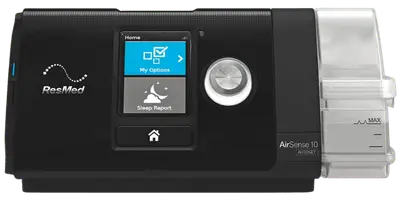
The ResMed AirSense 10 is one of the most common CPAP machines in the world, and it's quietly a very capable data recorder. The MyAir app shows you a friendly summary, but the machine itself writes a far richer record to the SD card in its side slot every single night.
If you want real ResMed data analysis — not just a compliance score — that card is where it lives.
What's Actually on the SD Card
Pop the card out and you'll find a DATALOG folder full of nightly files, plus a few settings files. In plain terms, the AirSense 10 stores:
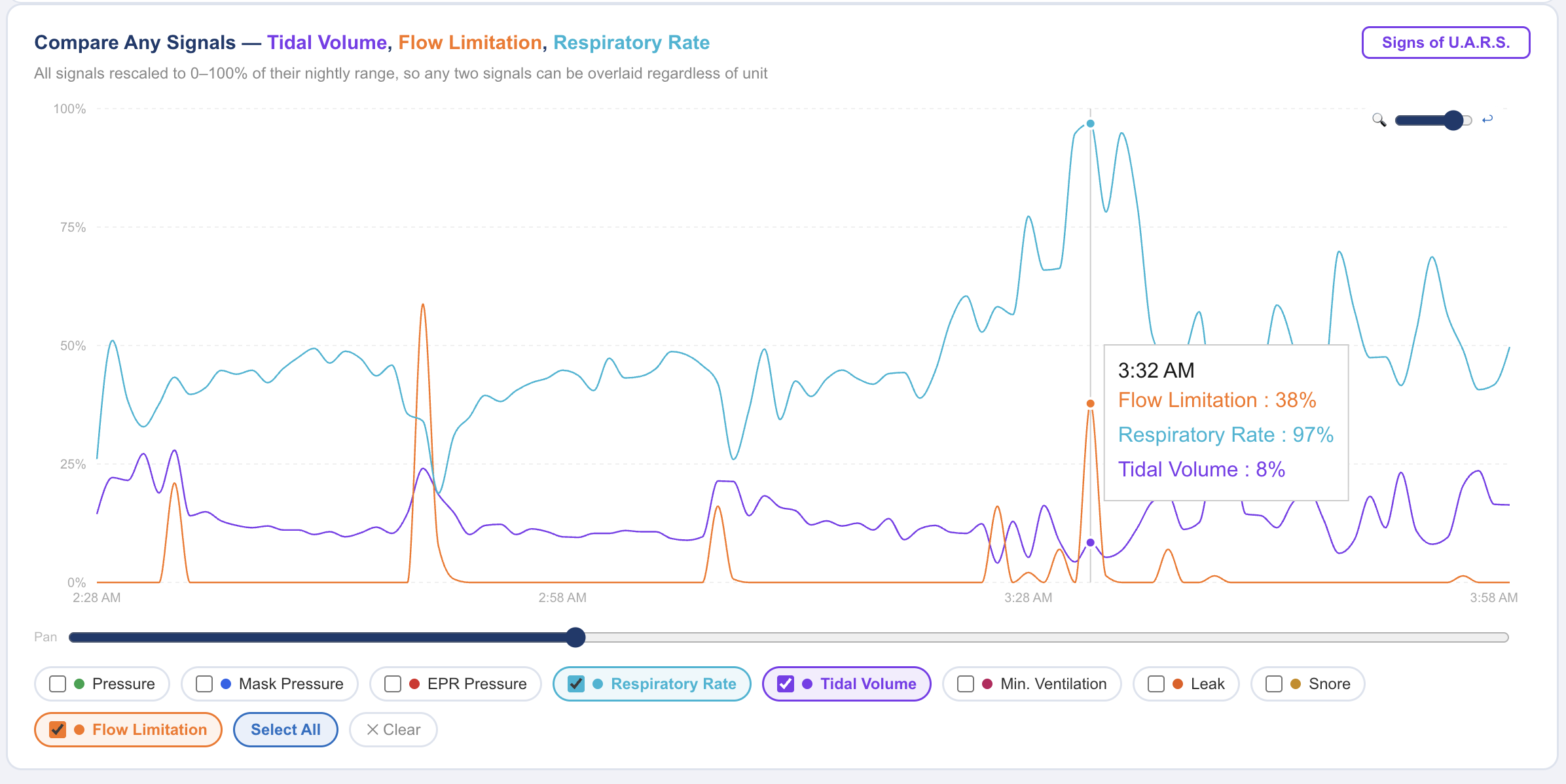
- The flow rate waveform — the breath-by-breath airflow signal, recorded at high resolution. This is the single most valuable channel for spotting flow limitation and RERAs.
- Two-second trend data — mask pressure, delivered pressure, EPR, leak rate, respiratory rate, tidal volume, minute ventilation, snore, and flow limitation.
- Scored events — the apneas, hypopneas, and other events the machine flagged, with timestamps.
- Oximetry — SpO2 and pulse, if you've attached a compatible oximeter.
- A summary and settings file (STR.edf) — your pressure settings, mode, EPR, ramp, and nightly statistics.
That's dramatically more than the app's three numbers.
Getting the Card Out Safely
Reading the card is safe and reversible:
1. Turn the machine off and unplug it.
2. Press the SD card in gently until it clicks, then release — it will pop out.
3. Put it in a card reader or the SD slot on your computer.
4. When you're done, slide it back in until it clicks. The machine keeps working exactly as before.
You are only ever reading the card. Nothing about looking at your data changes your therapy or your settings.
MyAir vs. the Card
MyAir is designed for reassurance and compliance: usage, a seal score, events per hour, and a ramp indicator. It intentionally hides detail to keep things simple.
The card has no such filter. It's the same data your sleep clinic's ResMed software reads. The only question is which tool you use to open it.
How to Read It
You have a few options for ResMed SD card software:
- OSCAR — free, open-source, desktop. Powerful and detailed, but you install it and interpret the charts yourself.
- CPAP Insights — reads your AirSense 10 card directly in your browser, no install, and explains the results. It surfaces your AHI and event breakdown, leak, pressure behavior, respiratory rate, and flow limitation, and its Sleep Doc AI can answer questions about specific nights.
The same approach works for the newer AirSense 11 — the folder layout is nearly identical. Insert the card, load it, and for the first time you'll see the full picture your machine has been recording all along.